AI-Powered Background Removal

Remove Any Background
from Video or Image

CutBG uses AI to remove or replace backgrounds from videos and images — no green screen required. Works entirely offline on your device.

Get CutBG See Features
Everything you need for clean cutouts
🎬

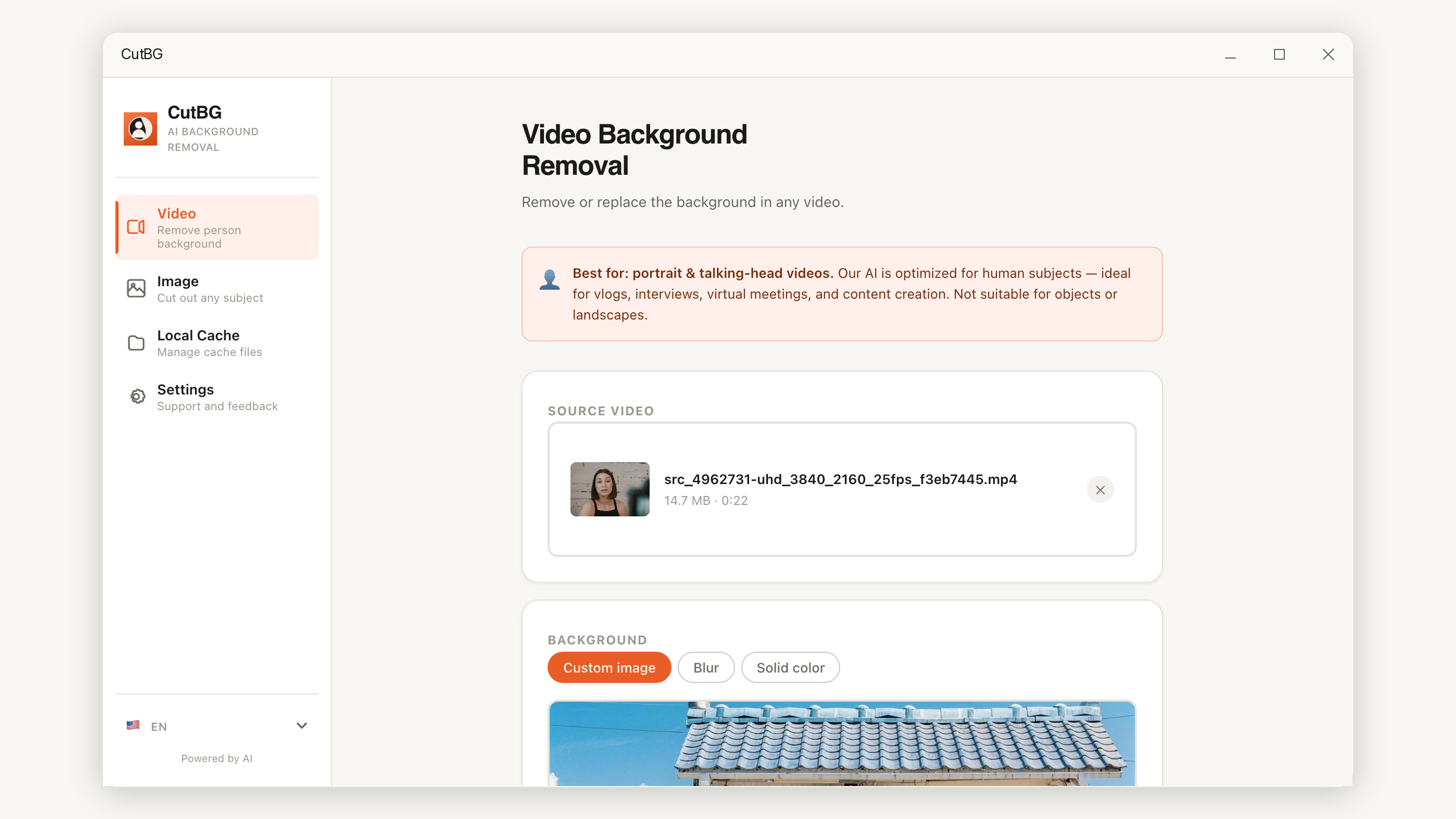
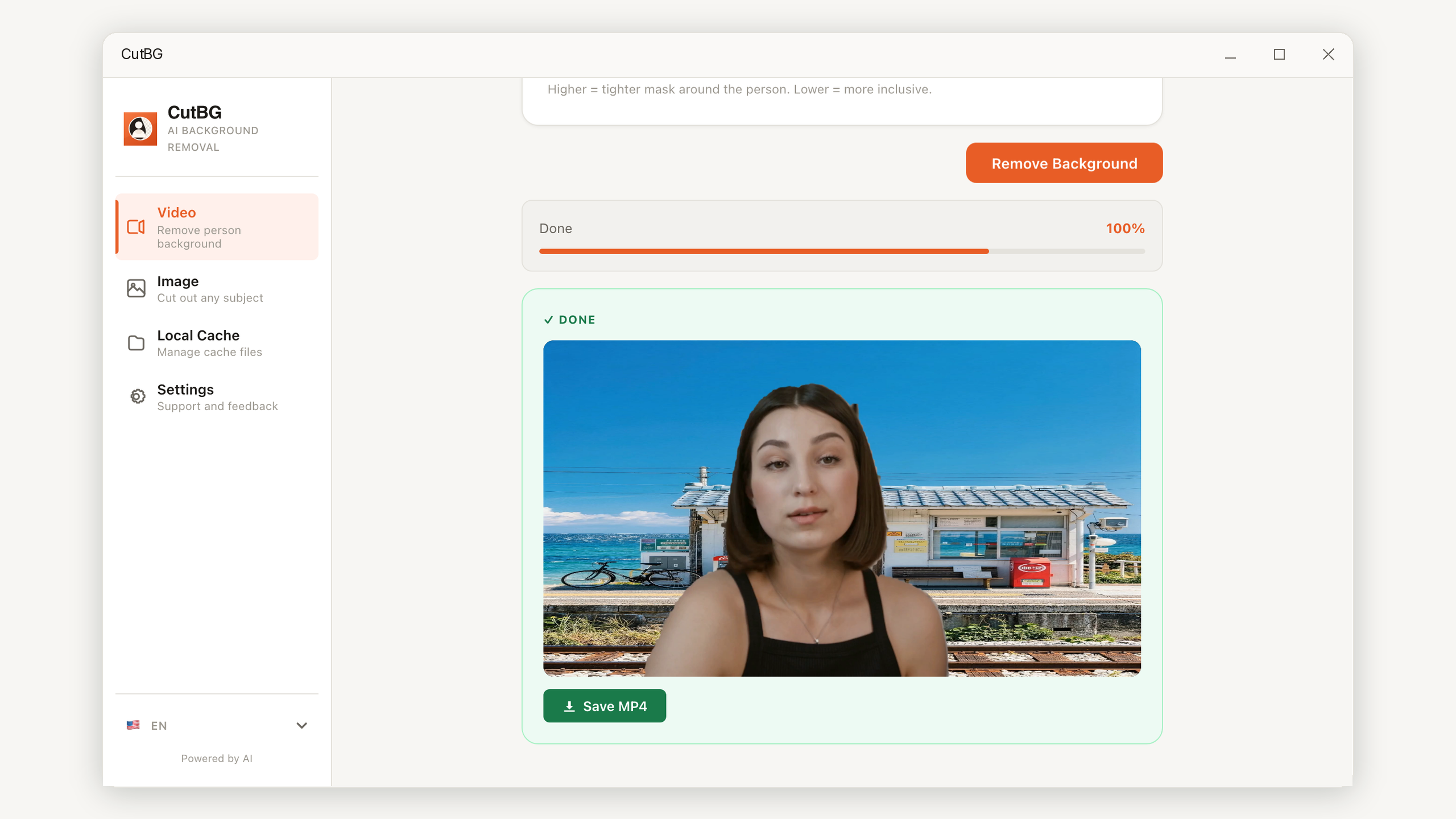
AI Video Background Removal

Remove or replace backgrounds in any video using advanced AI person segmentation. No green screen needed.

🖼️

AI Image Cutout

Cut out any subject from photos — people, products, animals — with precise edges using U2Net deep learning.

🎨

Flexible Background Modes

Replace the background with a custom image, apply a blur effect, set a solid color, or export as transparent.

🔒

100% Offline

All processing happens locally on your device. Your files never leave your computer — complete privacy.

Fast Processing

Real-time progress tracking with frame-by-frame feedback. H.264 output with original audio preserved.

📂

Built-in File Manager

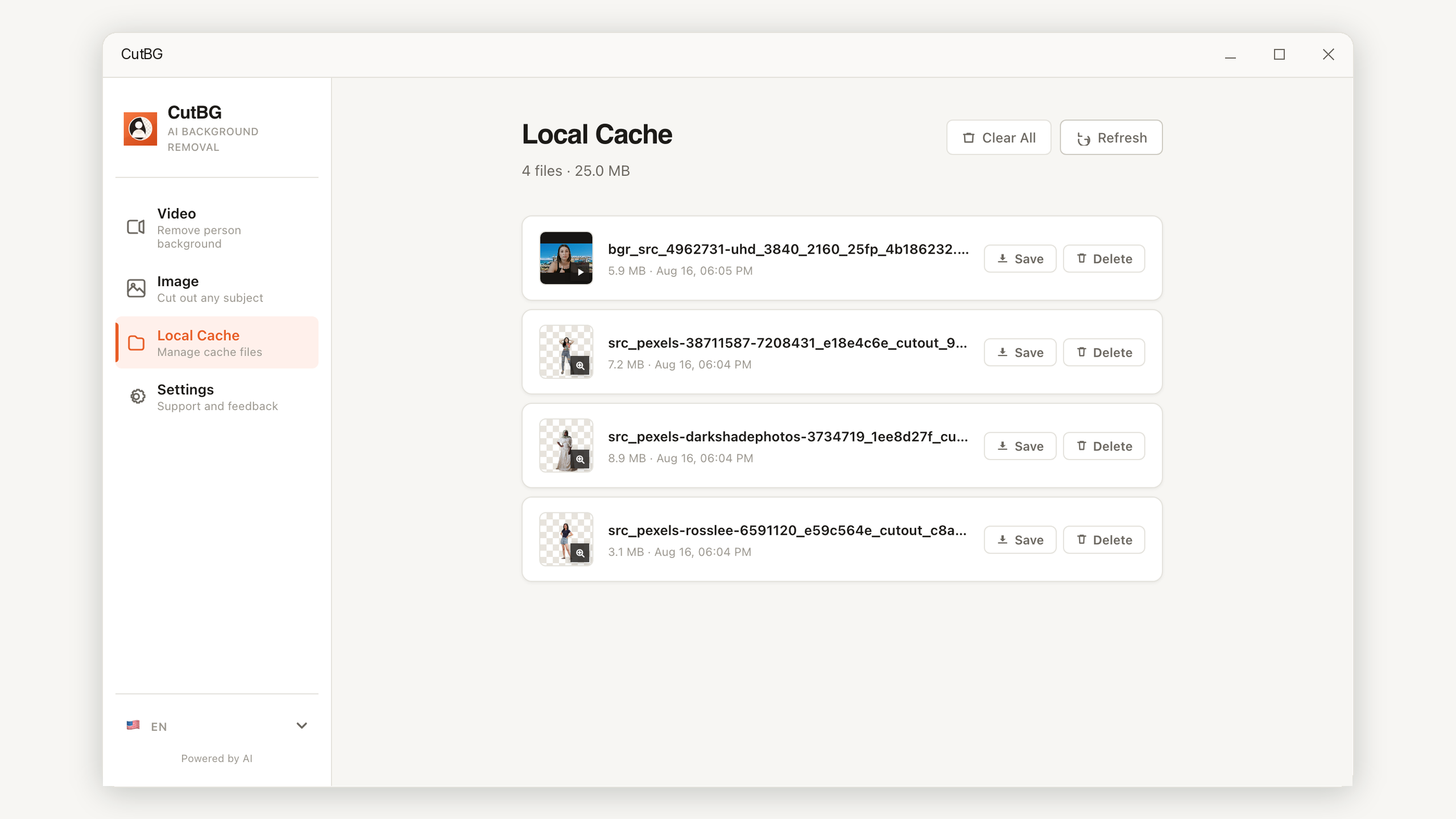
All processed files in one place. Preview, download, or delete your videos and images directly from the app.

See CutBG in action

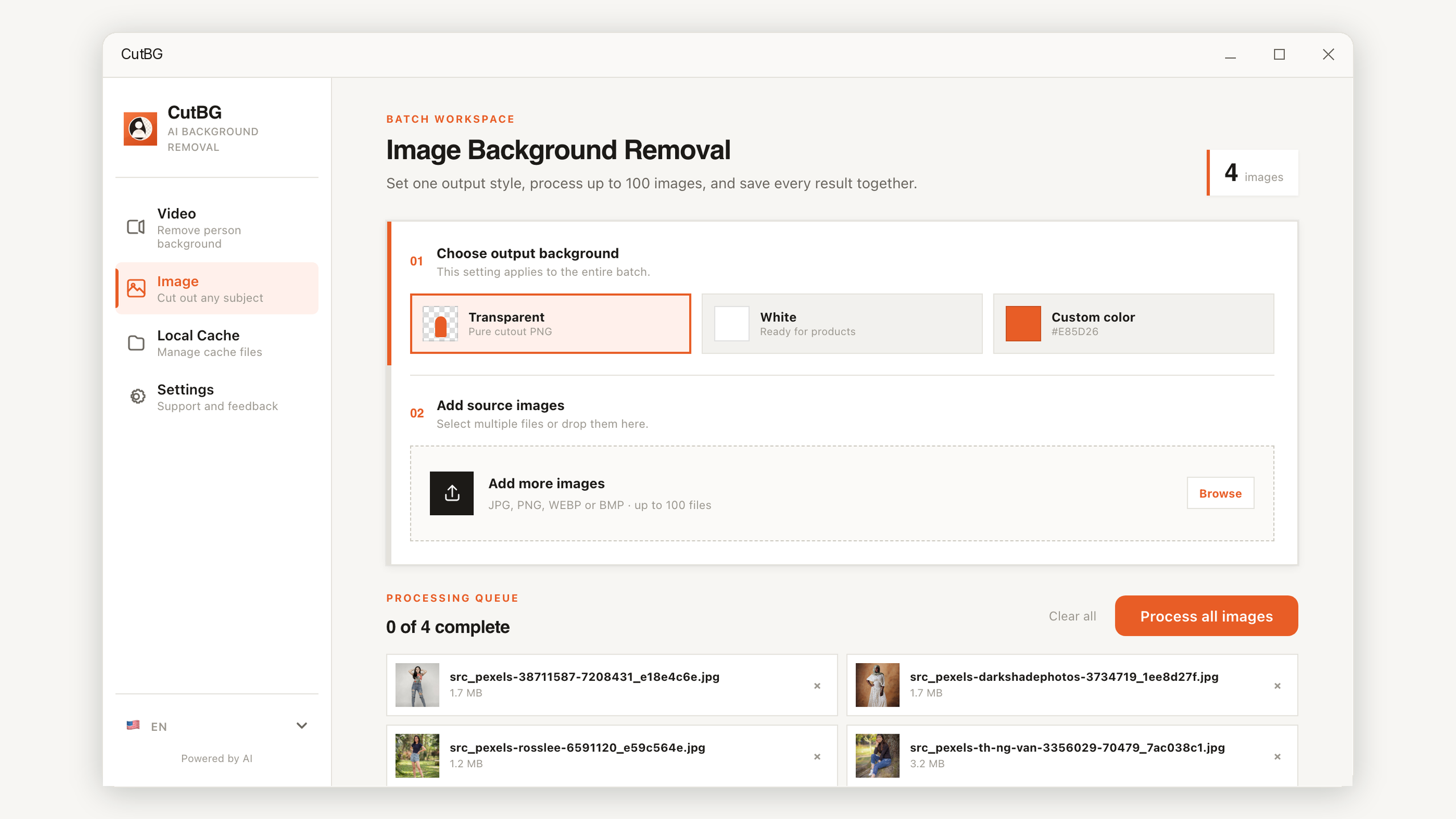
CutBG image background remover upload screen with transparent and white background output options

Image cutout upload screen

Drop in JPG, PNG, WebP, or other image files and choose transparent PNG output or a clean white background.

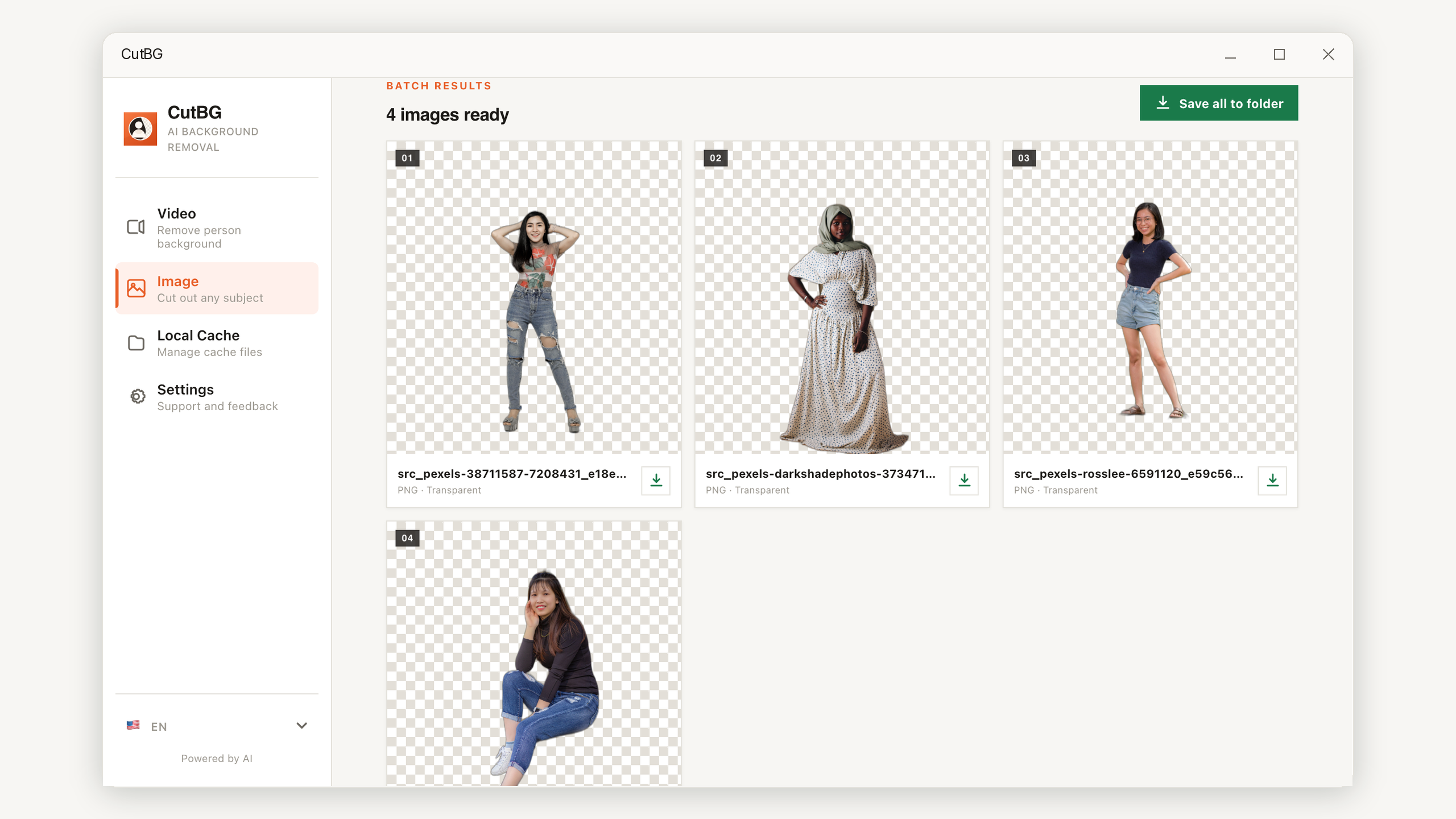
CutBG image background removal result showing a processed portrait cutout preview and download controls

Portrait cutout result

Preview the AI-generated transparent result directly in the app before downloading the finished PNG.

CutBG image background removal result showing an animal cutout example generated from a cat photo

Works beyond portraits

The image tool handles people, pets, products, and other subjects using U2Net-powered segmentation.

CutBG file manager screen for previewing, downloading, and deleting processed videos and images

Built-in output manager

Review every generated file in one place, download finished assets, or remove old outputs when they are no longer needed.

Simple workflow
Three steps to a clean cutout
1

Upload Your File

Drag and drop a video or image into the app. Supports MP4, WebM, MOV, AVI, MKV, JPG, PNG, and WebP.

2

Choose Background Mode

Select how you want the background handled — transparent, custom image, blur, or solid color.

3

Download the Result

AI processes your file and delivers a clean cutout ready to use in any project.

Start Removing Backgrounds Today

Available on the Microsoft Store for Windows background removal workflows.

Get CutBG on Windows